APK Download & App Details
Everything you need to know before you tap that download button. The file is served directly from our server — no third-party stores involved.
File
bgd66-6.apk (52 MB)
Download Now — Free| Version | 2.2.10 |
|---|---|
| File Size | 52 MB |
| Android Required | 6.0 and above |
| Last Updated | 15 November 2026 |
| Price | Free |
| Languages | English / Bangla |
| Platform | Android (APK) |
Using an iPhone or iPad?
There is no App Store listing for bgd666. iPhone users can add the mobile site to the home screen for a near-app experience — no install needed, no storage used.
- Open Safari and go to bgd66-6.com.
- Tap the Share icon at the bottom of the screen.
- Scroll down and tap Add to Home Screen.
- Give it a name (e.g. bgd666) and tap Add.
- The icon appears on your home screen — tap to open in full-screen mode.
Want to compare the full app against the browser version? See our App vs Web guide.


Games ready the moment you open the app
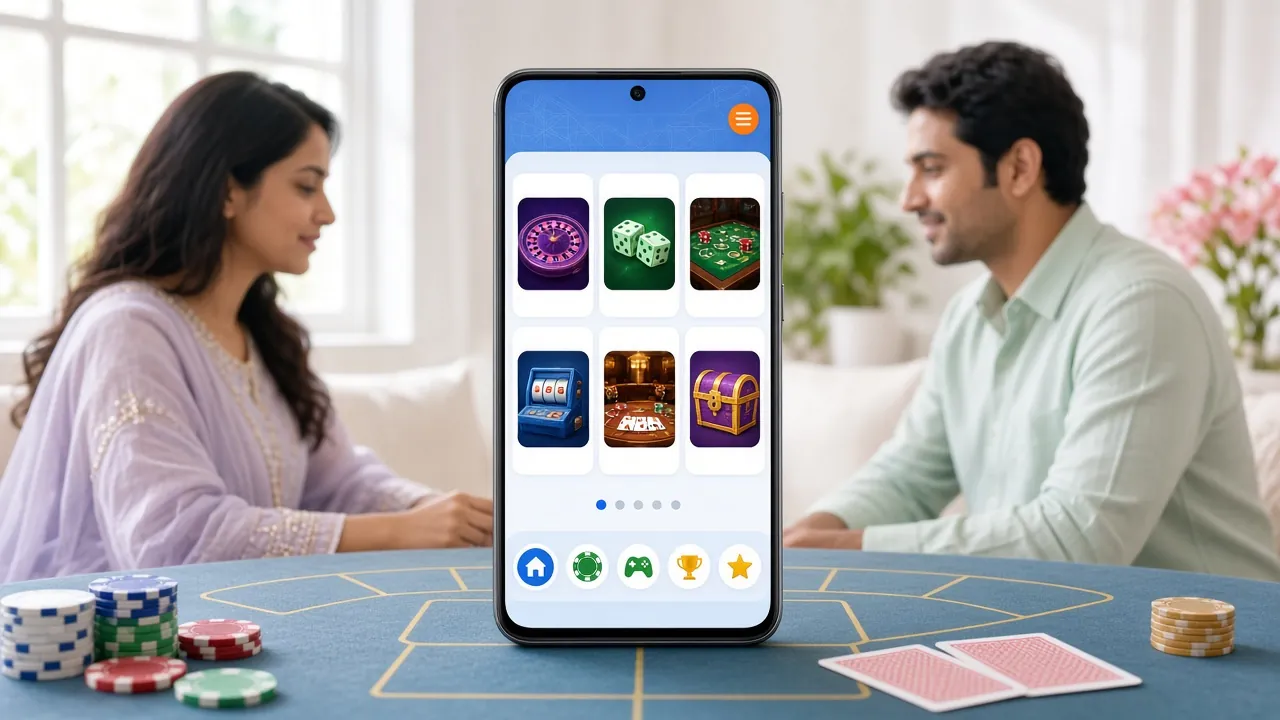
The bgd666 app gives you immediate access to slots, fishing games, live casino tables and cricket markets — the same full library as the desktop site, optimised for touch.
- Slots & Fishing
- Live Casino
- Cricket Betting
- bKash & Nagad
Install the bgd666 APK on Android — Step by Step
The whole process takes about two minutes. Your phone must run Android 6.0 or higher. Follow these steps exactly and you won't hit any error.
-
1
Allow installs from unknown sources
Go to Settings → Security (or Privacy on newer phones) and turn on Install unknown apps. On Android 8 and above you can enable this per-browser — allow it just for Chrome or your default browser. You can switch it off again after the install.
-
2
Download the APK file
Tap the Download APK button on this page. Your browser saves
bgd66-6.apk(52 MB) to your Downloads folder. Wait for the progress bar to reach 100% — do not close the browser tab mid-download. -
3
Open and run the installer
Open your Downloads folder (or tap the notification at the bottom of the screen) and tap the APK file. Android shows an install prompt listing the permissions the app needs. Tap Install to continue.
-
4
Wait for the install to finish
It takes about 10–15 seconds. When you see "App installed", the bgd666 icon appears on your home screen. You do not need to restart your phone.
-
5
Log in or create a new account
Open the app and tap Log In if you already have an account, or tap Register to sign up in under a minute. New accounts qualify for the welcome bonus on first deposit. Need help registering? See the registration guide.
What You Can Do Once the App Is Running
The bgd666 app is not a stripped-down version of the site. Every feature from the desktop experience is here, rebuilt for smaller screens and slower connections.
One-tap login with biometrics
After your first login the app can use your phone's fingerprint sensor or face unlock. No need to type your password every time — just open and play.
Deposit and withdraw inside the app
bKash, Nagad, Rocket, Upay and Bank Transfer all work in the app's cashier. Deposits arrive in about 4 minutes; withdrawals clear in about 33 minutes. The minimum for both is ৳500.
Live casino and sports in real time
Stream live roulette, baccarat and blackjack tables. Place in-play bets on cricket — T20, ODI, BPL and IPL — with updated odds refreshed every few seconds. Push notifications alert you when match odds shift significantly.
Push notifications for bonuses and matches
The app sends you an alert when a reload bonus goes live, when your withdrawal is approved, or when a Bangladesh cricket match is about to start. You can manage which alerts you receive in the app's notification settings.
Designed for weaker mobile connections
The app pre-caches lobby data so the game grid loads even on a slow 3G connection. Slot games stream at lower resolution automatically when bandwidth drops, keeping play smooth without freezes.
24/7 live chat built in
The support chat widget is always one tap away from the app's side menu. No need to switch to a browser — resolve deposit issues, bonus queries or account questions without leaving the app.
bgd666 App or Mobile Browser — Which Suits You?
Both options give you the full game library and cashier. The differences come down to speed, storage and convenience.
| Feature | bgd666 APK App | Mobile Browser |
|---|---|---|
| Load speed | Faster — cached assets, no DNS lookup | Slightly slower on first visit |
| Mobile data usage | Lower — shared cache between sessions | Higher — full page reload each time |
| Push notifications | Yes — matches, bonuses, withdrawals | Not supported on most Android browsers |
| Biometric login | Fingerprint / face unlock | Password only |
| Device storage needed | 52 MB install required | No install — zero storage used |
| Works on iOS | Android only | Any iOS browser via Safari shortcut |
| Game library | Full library, identical to desktop | Full library, identical to desktop |
| bKash / Nagad deposit | In-app cashier | Via mobile browser cashier |
| Best for | Daily players who want speed and notifications | iPhone users or occasional players |
Still deciding? Read the full App vs Website comparison for a detailed breakdown of every difference.
App Permissions — What We Ask For and Why
The bgd666 APK requests a small set of Android permissions. Here is what each one does and how to revoke it if you change your mind.
| Permission | Why the app needs it | How to revoke |
|---|---|---|
| Internet | Required to connect to game servers, load odds and process deposits. The app does not work offline. | Cannot be revoked — it is a core permission for all network apps. |
| Notifications | Sends alerts for bonus activation, match start and withdrawal status. | Settings → Apps → bgd666 → Notifications → Off. |
| Biometrics | Powers fingerprint or face login. We store a local token only — no biometric data leaves your device. | Disable inside the app: Account → Security → Biometric Login → Off. |
| Camera | Used only during document upload for account checks. The camera is not accessed at any other time. | Settings → Apps → bgd666 → Permissions → Camera → Deny. |
| Storage | Needed to save downloaded game assets and the APK update file when a new version releases. | Settings → Apps → bgd666 → Permissions → Storage → Deny (may prevent updates). |
/download/bgd66-6.apk is the only signed, official build. Files shared on social media or Telegram are not verified by us and may contain malware. If in doubt, delete any file you did not get from this page and re-download here.
Can't Install? Fix These Common Problems
Most install errors have a simple cause. Work through the matching entry below — each one takes under two minutes to fix.
Android blocked the install — "Install blocked for security"
Cause
The Install unknown apps permission is not enabled for the browser or file manager you used to open the APK.
Fix
Go to Settings → Apps → [your browser], tap Install unknown apps and toggle it on. Then tap the APK file again from your Downloads folder.
"There was a problem parsing the package"
Cause
The APK file downloaded incompletely — likely because the browser tab was closed early or the connection dropped during the 52 MB transfer.
Fix
Delete the existing file from your Downloads folder, reconnect to a stable Wi-Fi or 4G connection, and download the APK again from this page from start to finish.
Not enough storage space
Cause
The app needs at least 52 MB free for the APK plus additional space for cached game data. Phones with less than 150 MB free may fail mid-install.
Fix
Open Settings → Storage and clear cached data for apps you do not use, or delete large files from Gallery. Then try the install again.
App installs but crashes on launch
Cause
Your Android version is below 6.0, or an older version of the app is conflicting with the new install. The app requires Android 6.0 as a minimum.
Fix
Check your Android version at Settings → About Phone → Software Information. If it is below 6.0, use the mobile site via your browser instead. If Android is 6.0+, uninstall the old app first and reinstall.
How do I update the app to a new version?
How it works
bgd666 is not on the Play Store, so there are no automatic updates. When a new version releases, the app shows a banner prompting you to download the latest APK.
What to do
Tap the banner or return to this page and download the new APK. Install it over the top of the existing app — your account, settings and transaction history are saved automatically.
Questions About the bgd666 APK
These are the questions we see most often from players in Bangladesh before they download the app.
Is the bgd666 APK safe to install?
Does the app work on my phone? What Android version do I need?
Can I use my existing bgd666 account in the app?
How do I deposit with bKash after installing the app?
What is the current app version and how do I know when to update?
What happens to my data if I uninstall the app?
Download the bgd666 APK now, sign up in under a minute, and deposit with bKash to claim your welcome bonus.
18+ only. Play responsibly. Gambling can be addictive — set deposit limits and take breaks. See our Responsible Gaming page for tools and support.
Betting and casino games are for adults aged 18 and over. If gambling stops being fun, use our self-exclusion and limit tools. Help is available 24/7 via live chat.
Responsible Gaming →